
customer-information
customer-information
Customer information
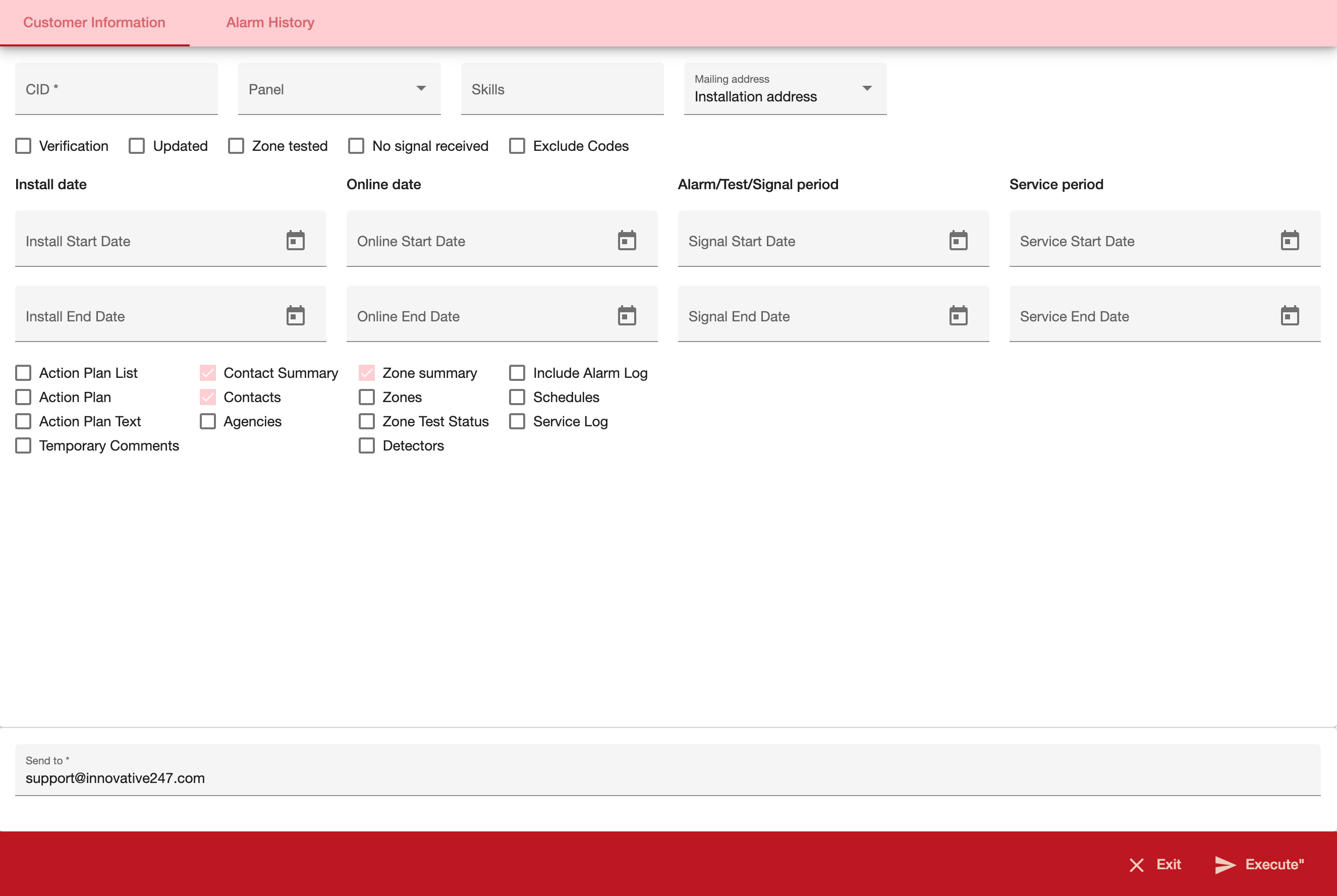
The Customer Information report provides alarm log information for the customer and period specified.
=== "Desktop"
=== "Mobile"
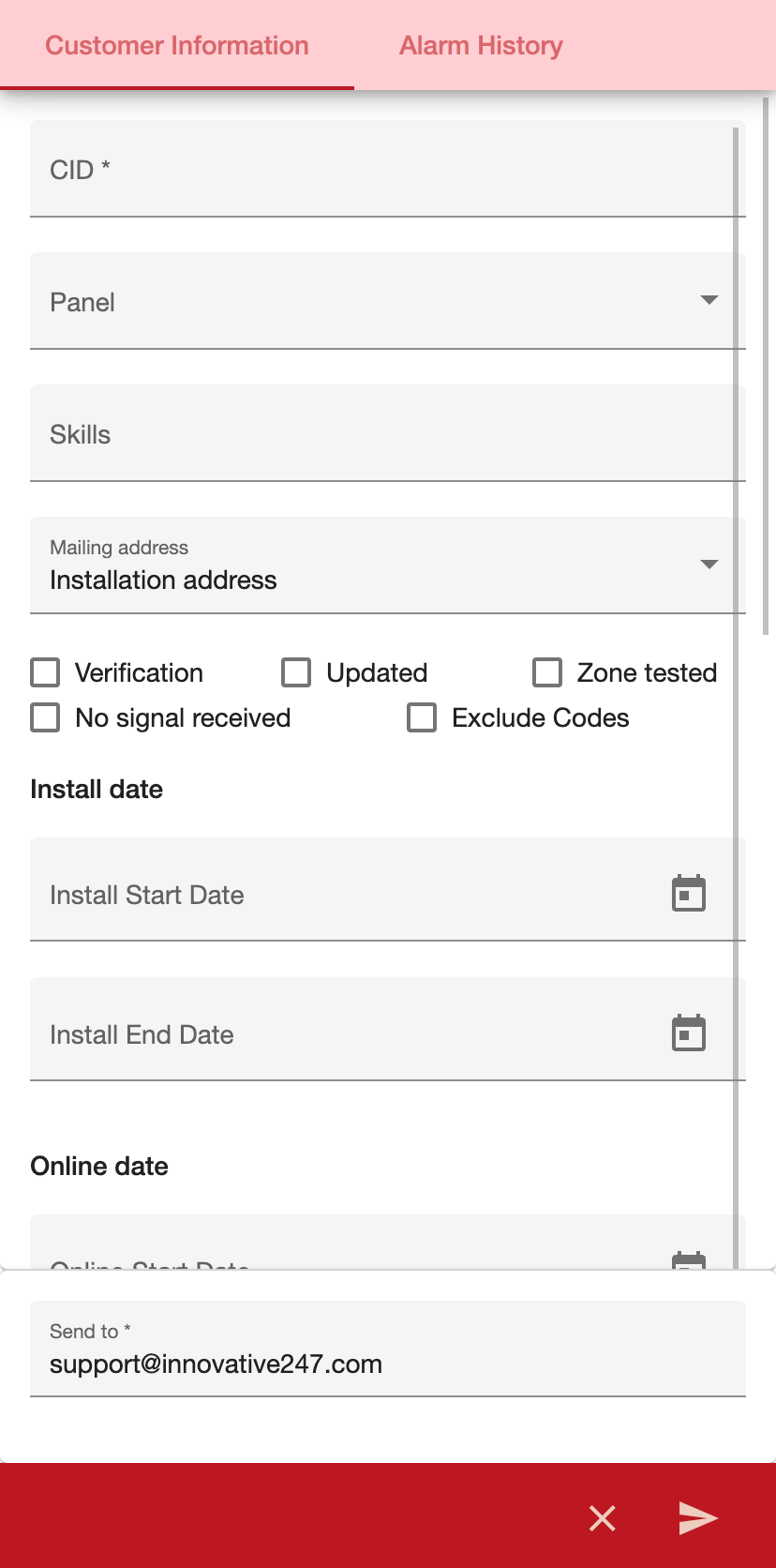
| Field | Description | | ----------------------------- | ------------------------------------------------------------------------------------------------------------------------------------------------------------------------------------------------------------- | | CID | You must either type a specific CID to include in the report or use the % wildcard to include all CIDs. | | Panel | You may select a pane type to limit the report to log entries from that pane type or use the % wildcard to include all pane types. (This menu originates from program #1742.) | | Skills | You may type a specific to skill to limit the report to those accounts that contain a matching skill. | | Mail Address | Menu of addresses to use as the mailing address. | | Verification Flag | Enter a check mark in this box to compile all records that have been changed in Data Entry and to set the verification flag on the installation. | | Updated | Use this check box only when you use the Verification Flag. If you set the update flag, when you complete the report SBN resets the verification flag. | | Zones Tested | Enter a check mark in this box if the range of dates you selected in the Alarm / Test / Sig fields refers to Zones Tested. | | No Sig Received | Enter a check mark in this box if the range of dates you selected in the Alarm / Test / Sig fields refers to installations that did not receive any signals received during the range. | | Exc Codes | Enter a check mark in this box to exclude passcards and codewords from the report. | | Install date | | Install Start Date | You may select a range of install dates to limit the report to log entries that occurred during the range. Select the beginning date of the range. | | Install End Date | You may select a range of install dates limit the report to log entries that occurred during the range. Select the ending date of the range. | | Online date | | On-Line Start Date | You may select a range of on-line dates to limit the report to installations that went on-line during the range. Select the beginning date of the range. | | Online End Date | You may select a range of on-line dates to limit the report to installations that went on-line during the range. Select the ending date of the range. | | Alarm / Test / Signal Range | | Signal start date | You may select a range of dates that correspond to the flags Zones Tested or No Sig Received. Select the beginning date of the range. | | Signal End Date | You may select a range of dates that correspond to the flags Zones Tested or No Sig Received. Select the ending date of the range. | | Service Period | | Service start date | If you include the Service Log in the report, you may select a range of Service Log dates to limit the report to Service Log entries that occurred during that range. Select the beginning date of the range. | | Service End Date | If you include the Service Log in the report, you may select a range of Service Log dates to limit the report to Service Log entries that occurred during that range. Select the ending date of the range. |