
SBN Anywhere Navigation
navigation
Accessing functionality
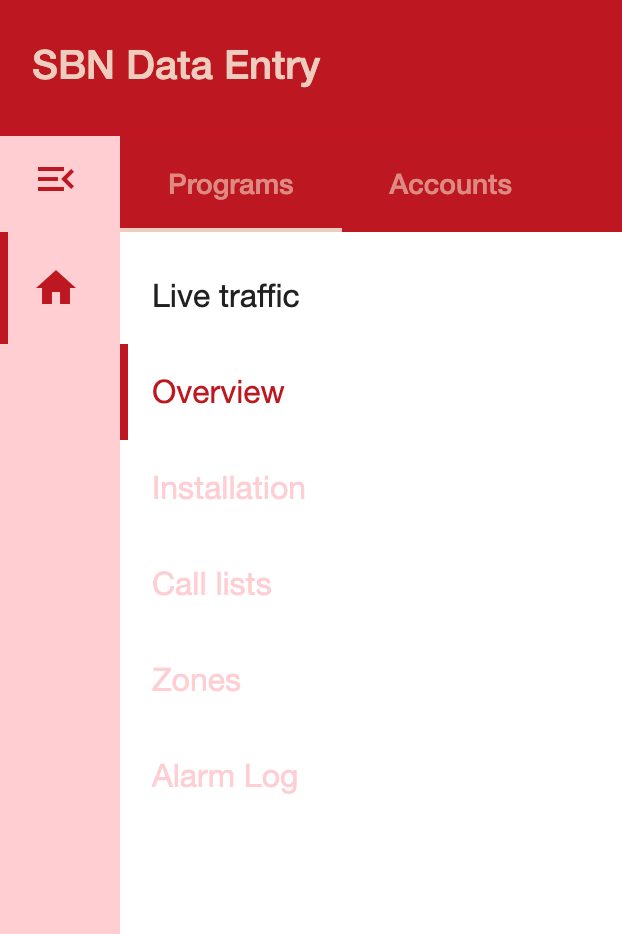
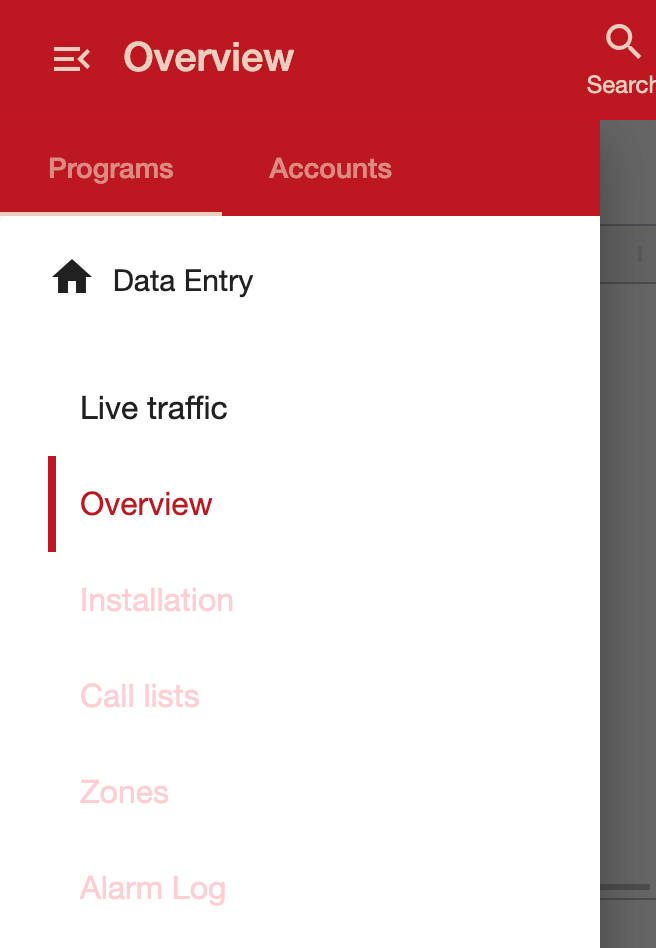
The functionality menu provides access to different areas of SBN Anywhere. Areas that require an account to be visible to access are dimmed. The menu is access using menu (:material-menu:) in the top left corner.
=== "Desktop"
=== "Mobile"
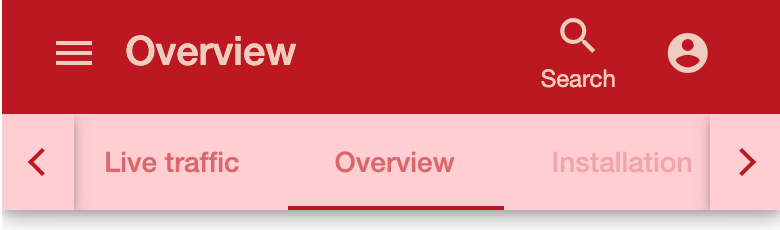
When the functionality menu is closed, or a picker is displayed, the different functionality is available in the tabs, allowing quick switching.
=== "Desktop"

=== "Mobile"
Accessing the account
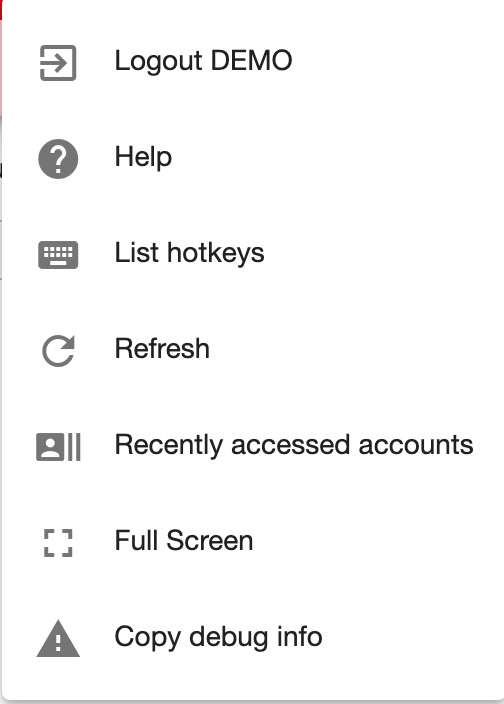
The account menu provides access to your account details.
Was this helpful?