
zones
zones
Zones
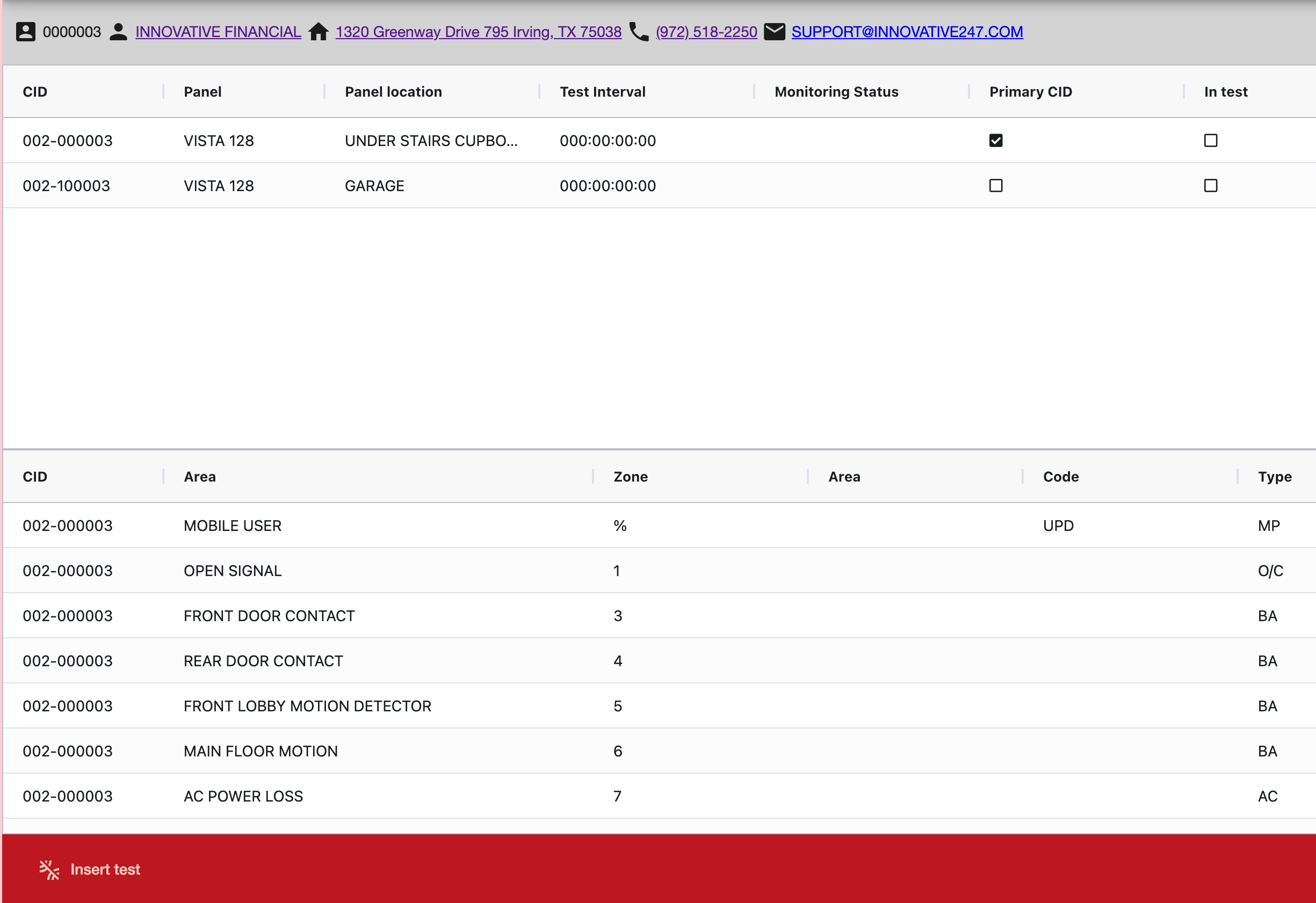
Zones lists the panels and zones associated with an installation. From here you can place an installation into test and view the test results.
=== "Desktop"
=== "Mobile"
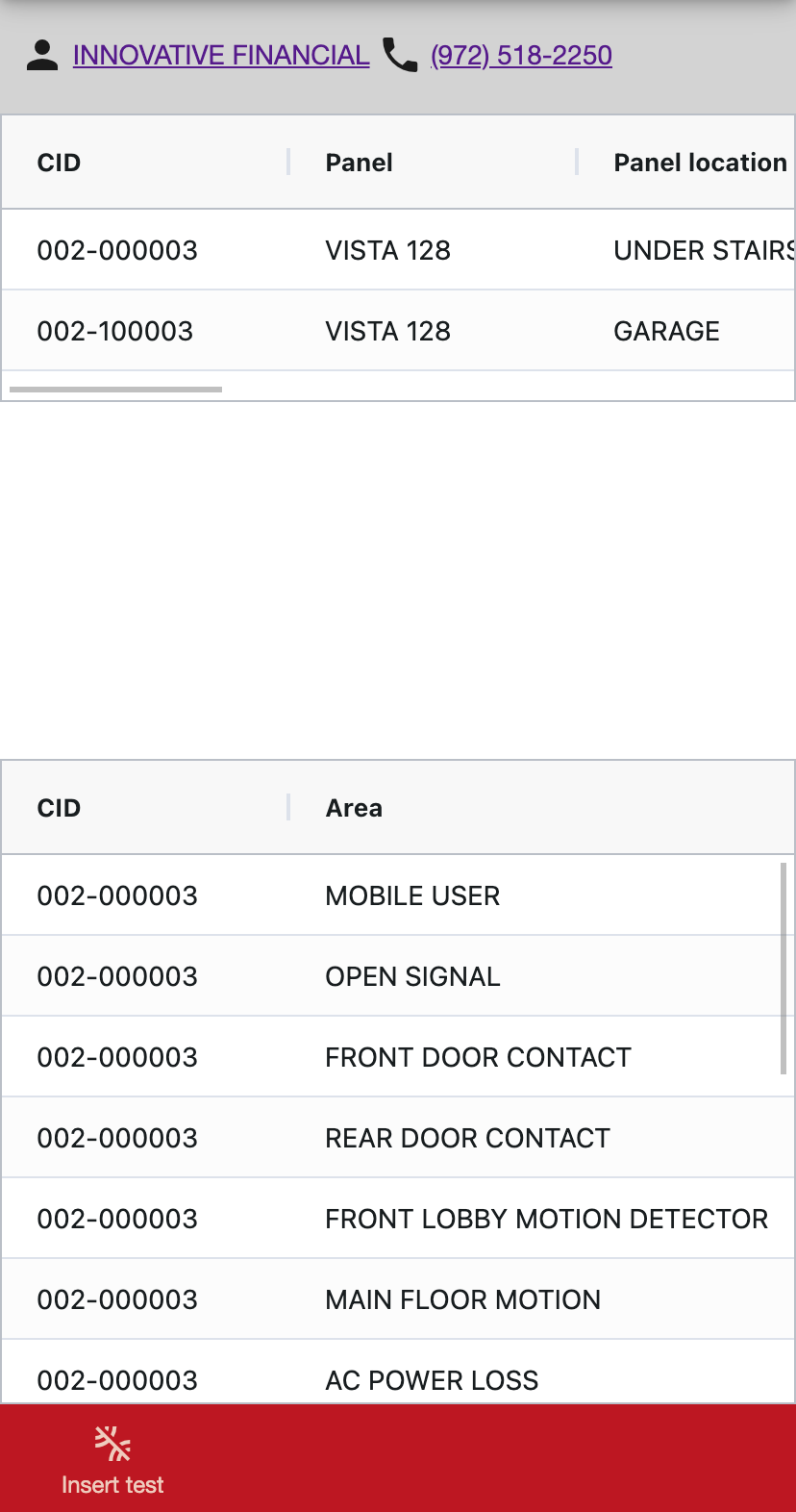
To access additional information click the panel or zone.
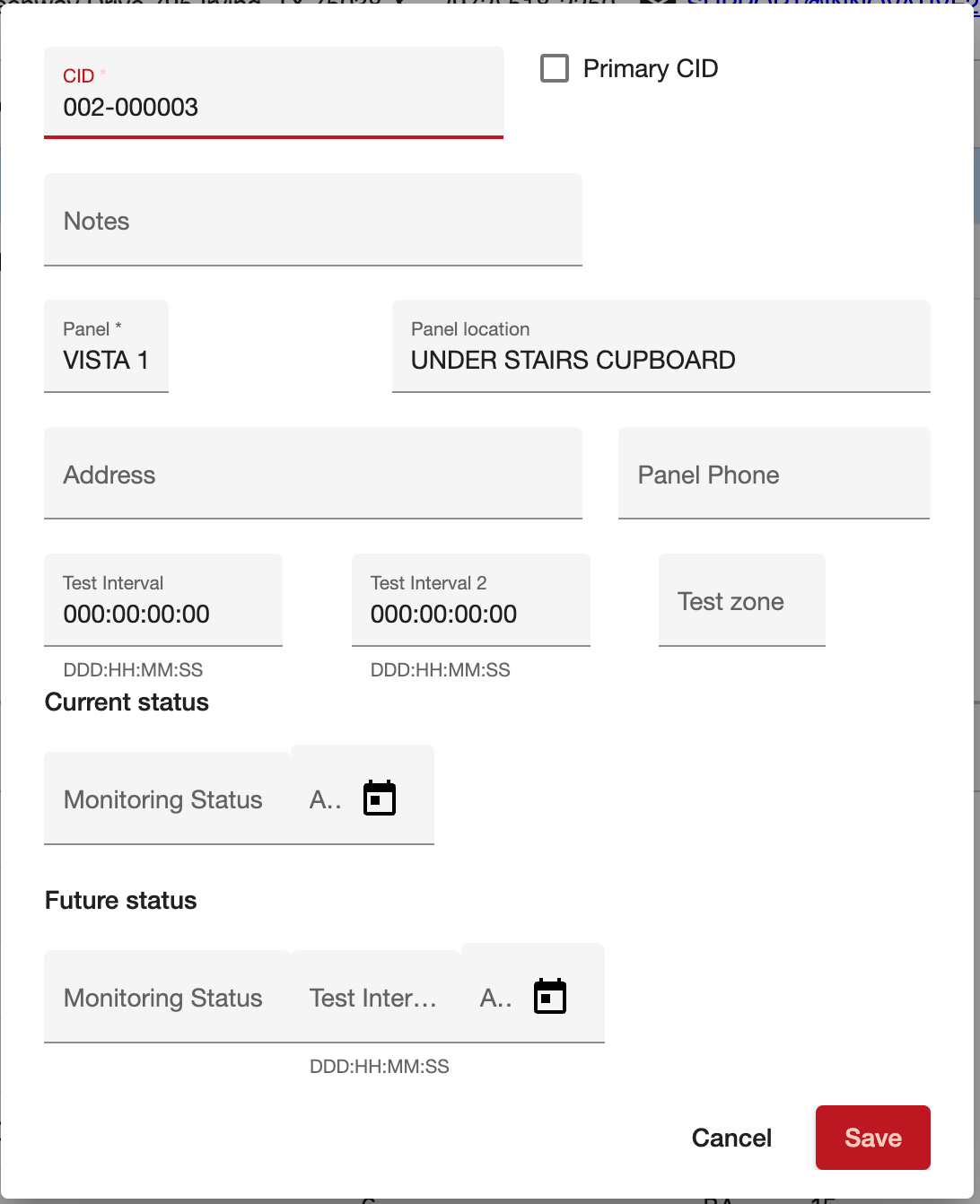
Panels
Panels are the reporting devices within an installation
=== "Desktop"
=== "Mobile"
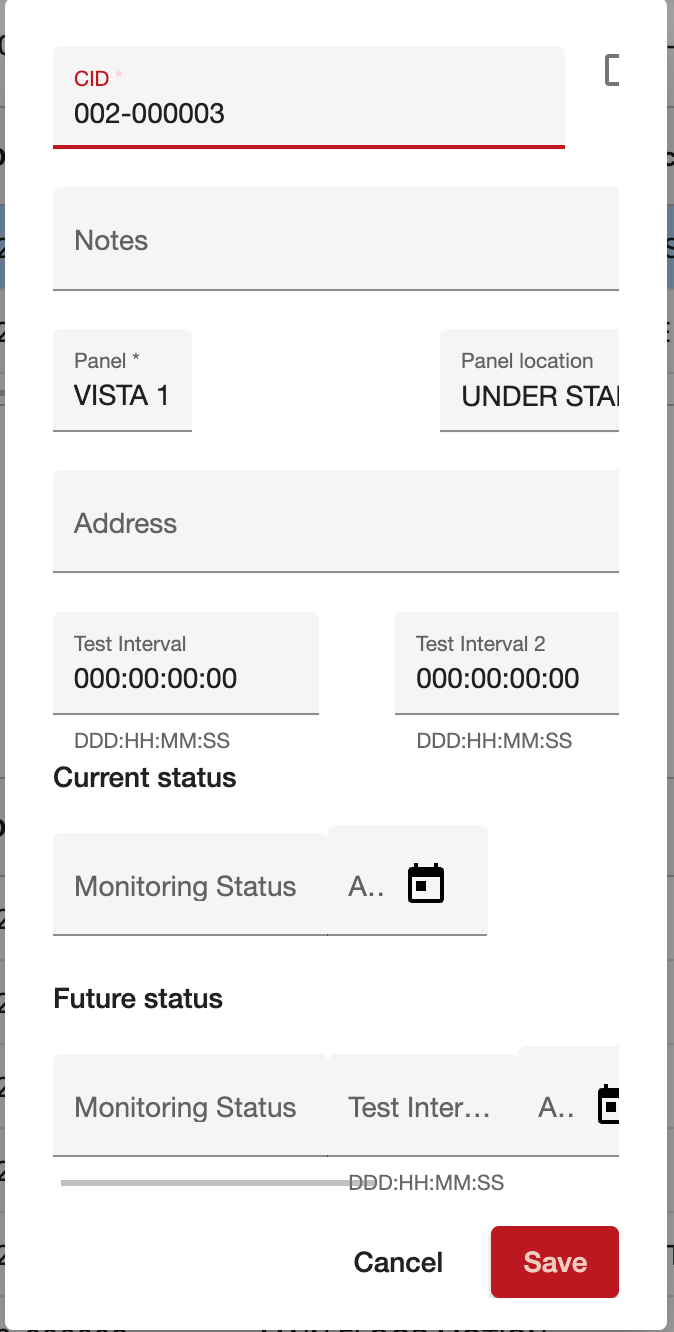
| Field | Description | | ---------------------- | ----------------------------------------------------------------------------------------------------------------------- | | CID | Customer Identification Number (CID) is a unique identifier used for panels within an installation. | | Panel | Brand/model number of panel(s) being used. | | Primary CID | Indicates if the CID is considered the primary. Only one CID can be marked as the Primary CID. | | Test Interval | Test interval for each CID. The format 000:00:00:00 represents 365 Days:24 hours:60 minutes:60 seconds. | | Monitoring Status | Indicates the Monitoring Status of the CID. | | Monitoring Status Date | The date of the last time the Monitoring Status changed. | | Panel Location | This can be a short description of where the panel is located on premise. An example could be “Master Bedroom Closest.” |
Zones
Zones are attached to one or more panels
=== "Desktop"
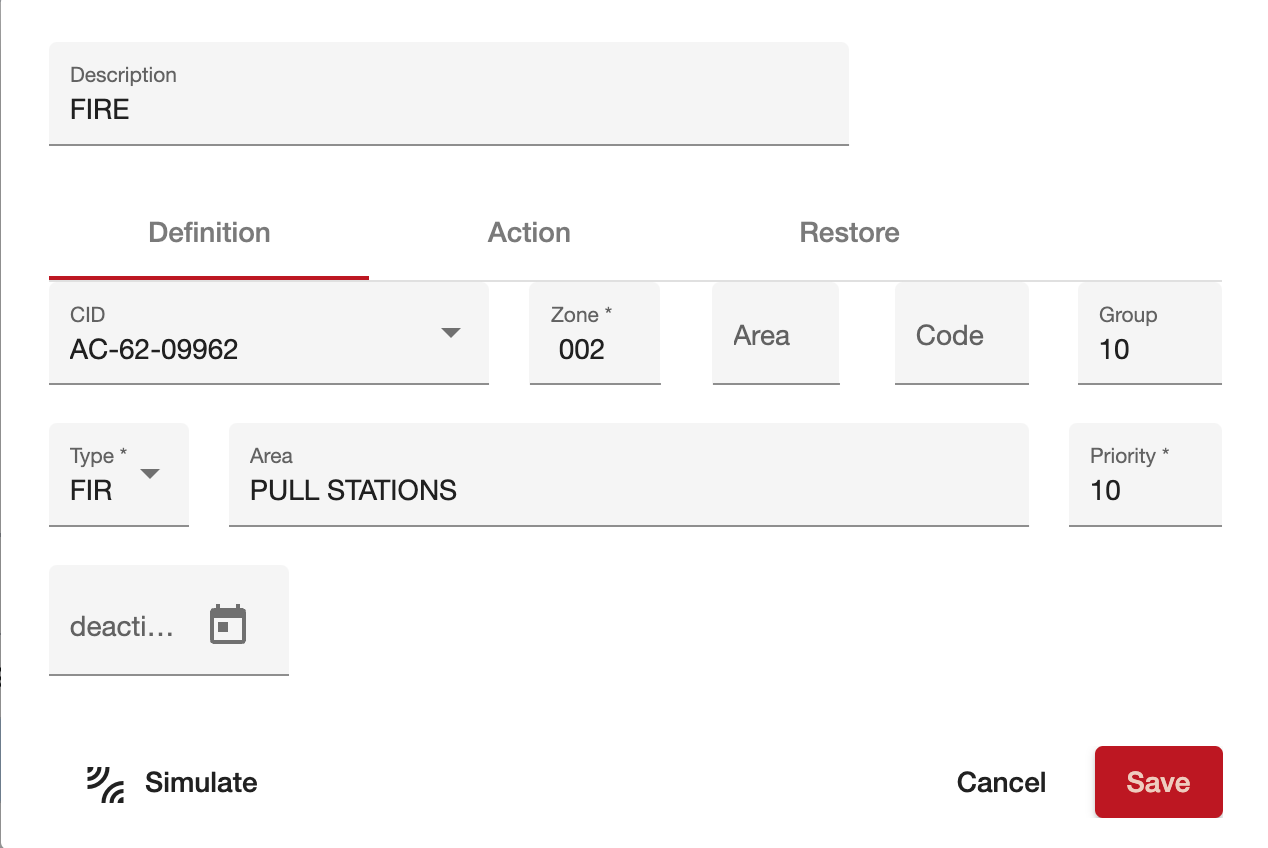
=== "Mobile"
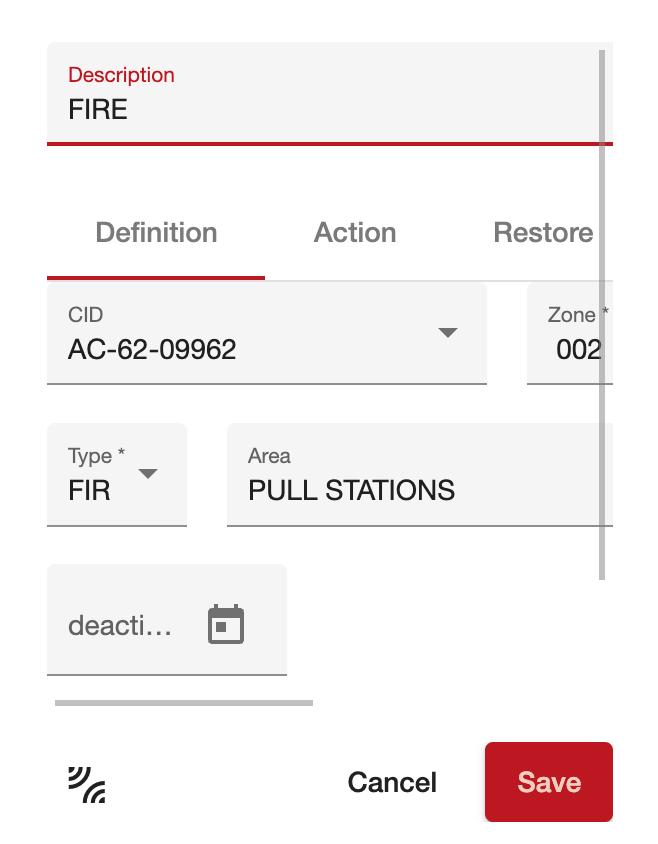
| Field | Description | | ---------------- | ------------------------------------------------------------------------------------------------------------------------------------------------------------------------------------------------------------------------------ | | Description | Description of the zone - usually the type or detector associated with the zone | | Definition | | CID | Type the customer identification number (CID) to associate with a zone. This may be % if the zone is associated with multiple panels | | Zone | Zone Number | | Area | Area | | Code | Code | | Group | Monitoring Group | | Type | Type of zone | | Area | Description of the protected area. | | Priority | The priority of the zone. The lower the number the higher the priority. | | Action | | Class | The action that will be taken when a signal is received on this zone. (+) Send the signal to the queue for processing, (-) Throw away the signal, (=) Log the signal | | Action Plan | The plan to follow when a signal is received | | Delay | Whether there is a delay in displaying this zone to the operator - for example to wait for a restore | | Restore | | Restore Required | Place an X in this field and an incoming alarm on the selected zone will require a restore before the alarm can be cleared. |