
testing
testing
Testing an installation
An installation can be tested by logging all signals that are received for a time period. Specific panels or zones can be placed into test by selecting them before inserting into test.
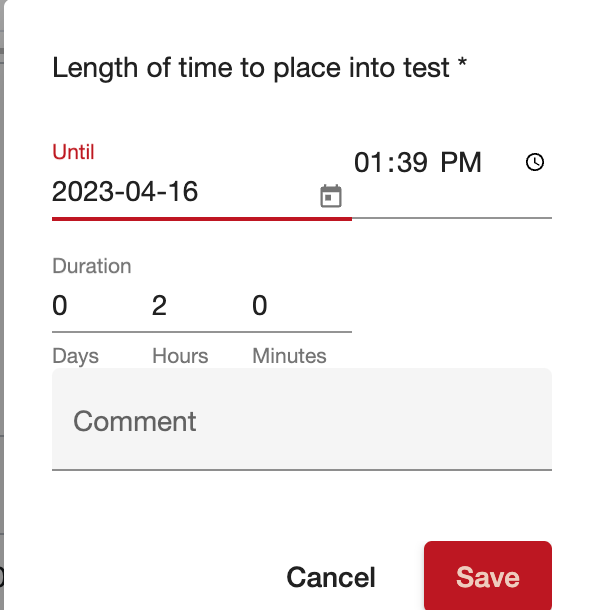
The length of time to place can be specified as a specific date and time, or a duration. The maximum amount of time to place an account into test is limited by the central station - usually 4 hours.
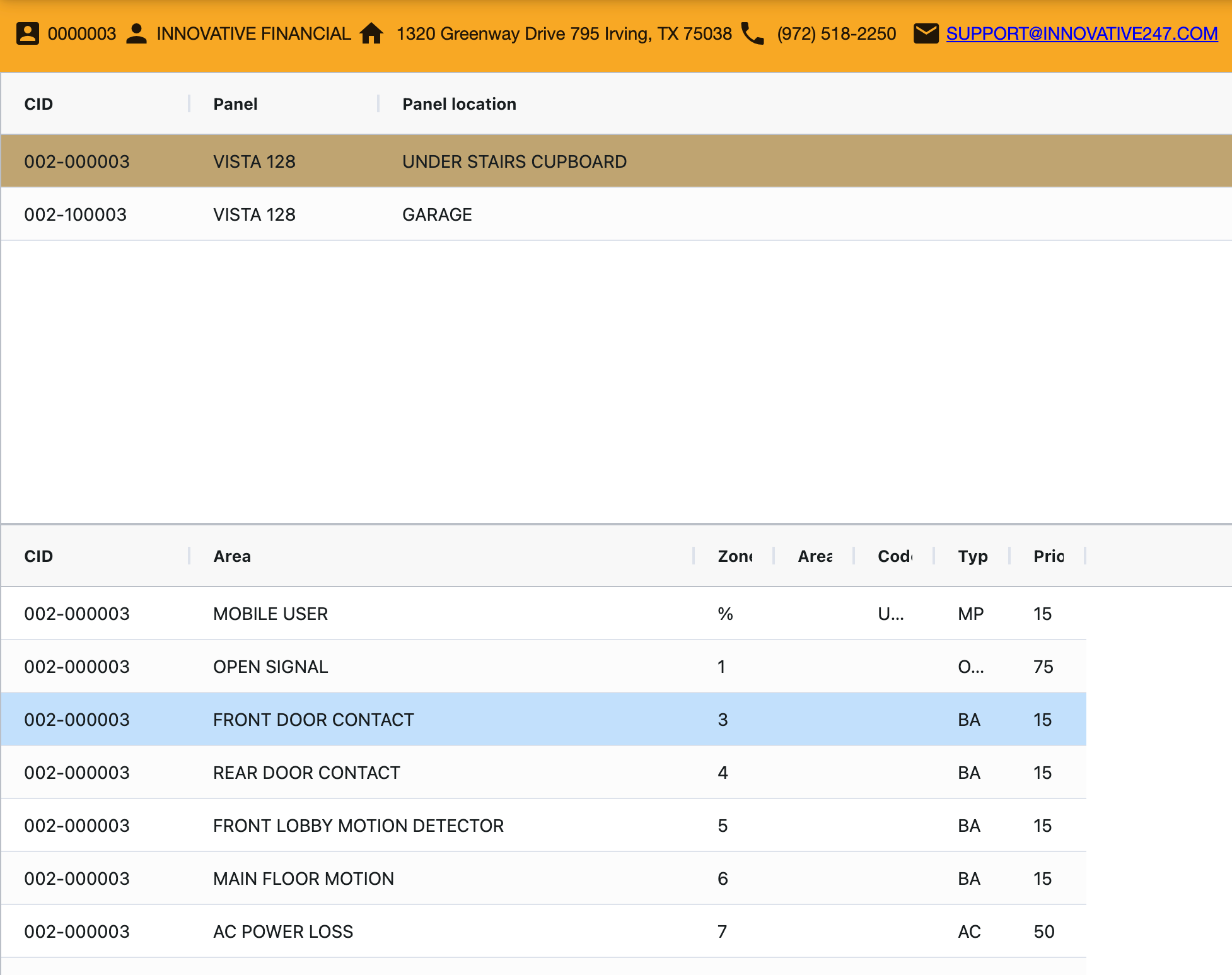
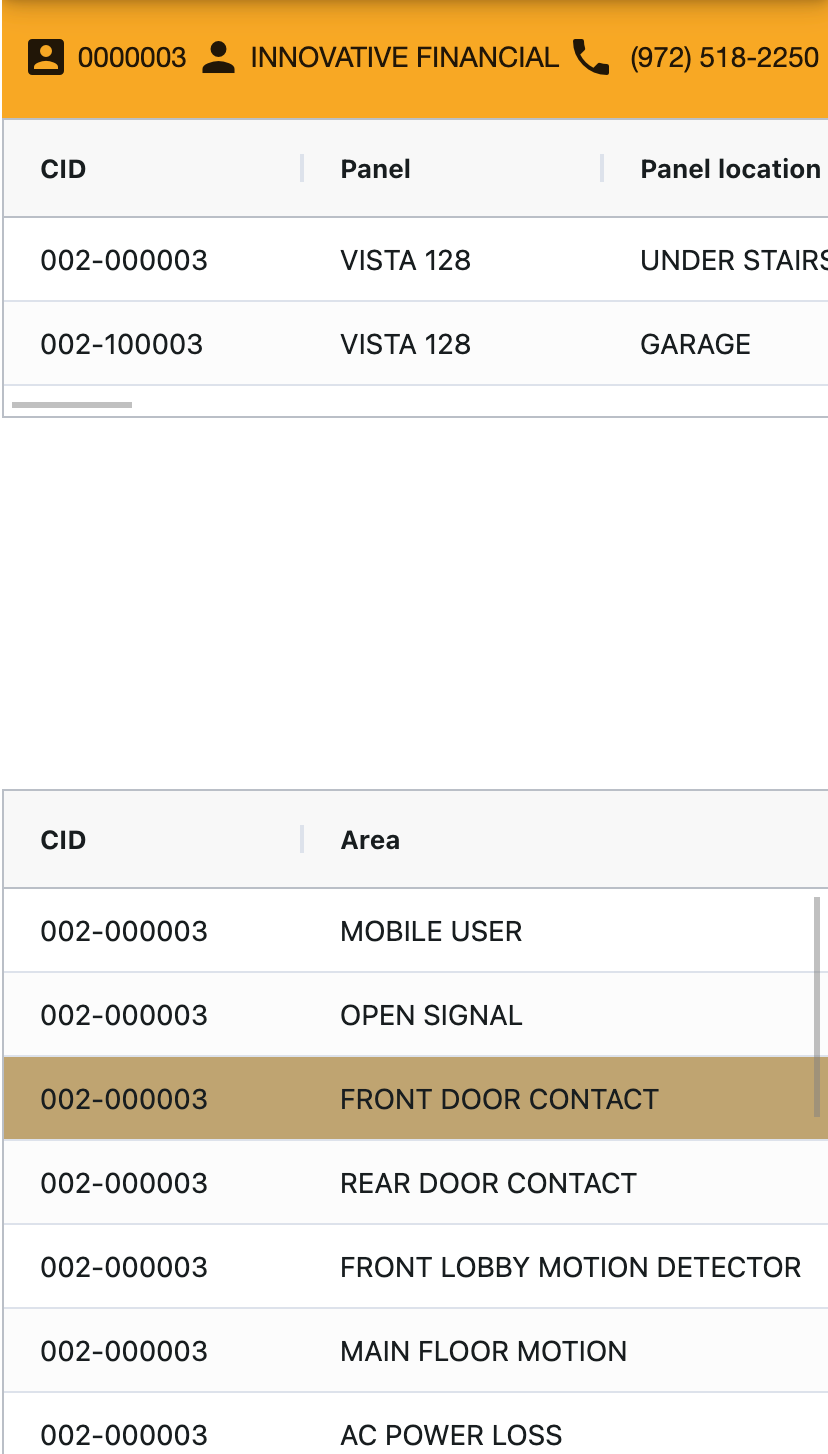
When an account is in test the summary bar and panels / zones will be yellow.
=== "Desktop"
=== "Mobile"
Was this helpful?