search
Searching for an installation
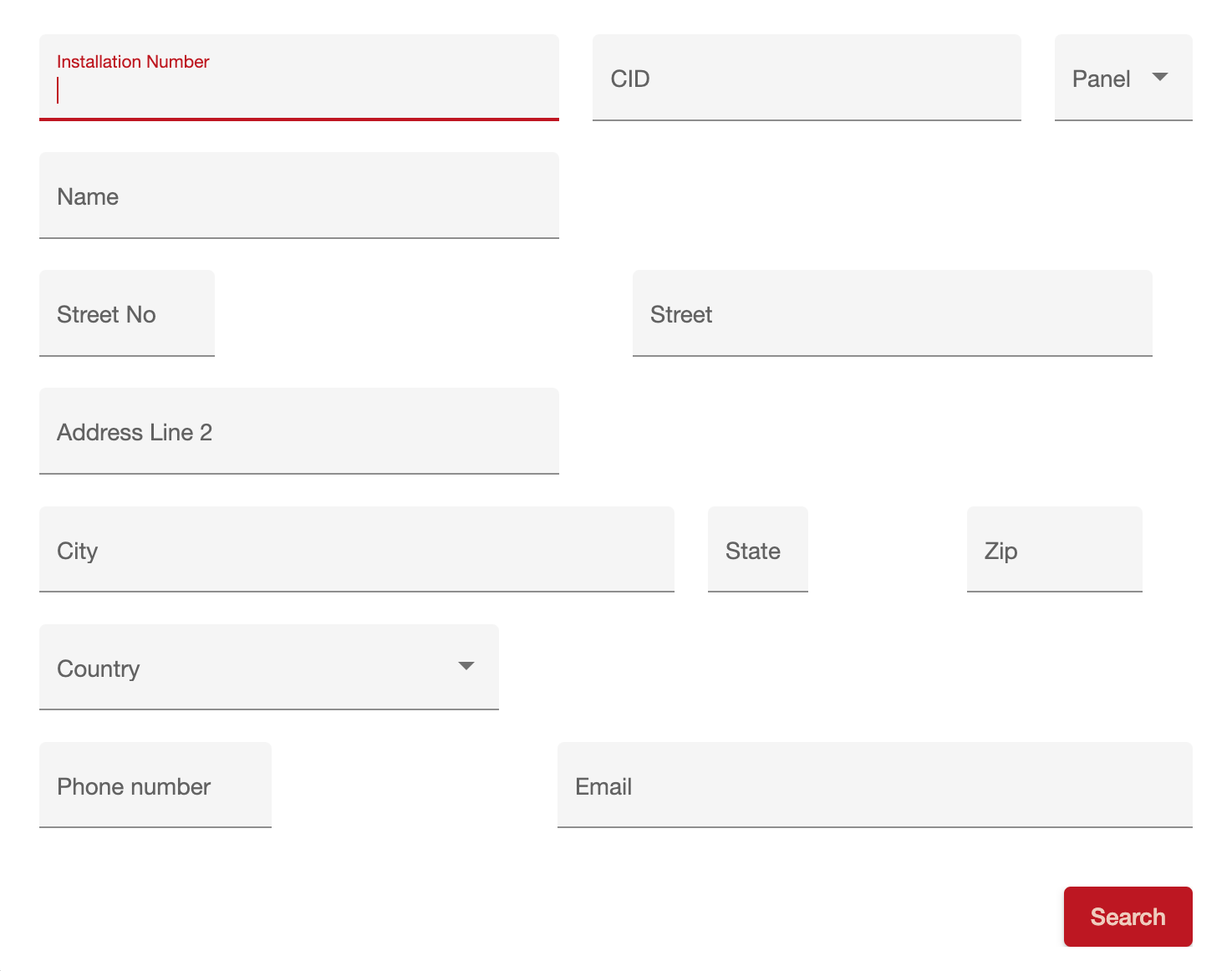
Installations can be searched using the Search command on the top bar. The following search criteria are available:
=== "Desktop"
=== "Mobile"
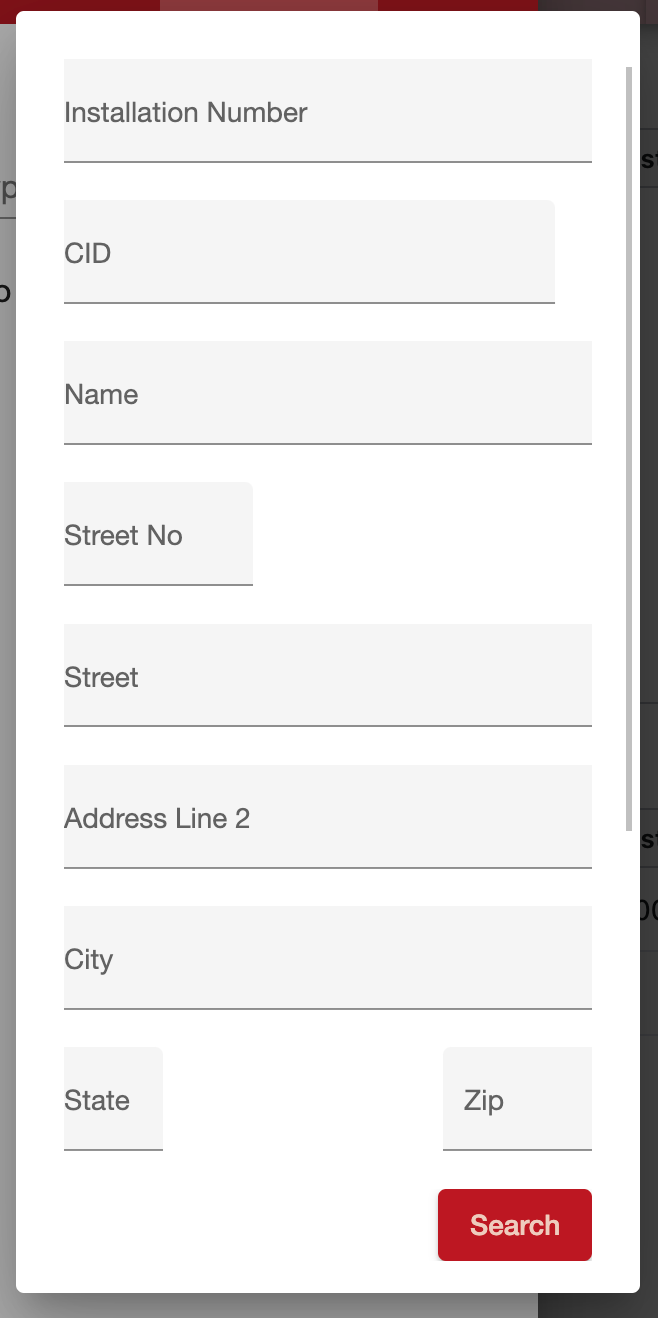
| Field | Description | | ------------------- | ------------------------------------------------------------------------------------------------------------------------------------ | | Installation Number | The unique installation number for location being monitored | | CID | The panel number. This may be the same as the installation number when there is only one panel at a location | | Name | Name of the installation. This may be the owner in the case of a residential customer or the business name for a commercial customer | | Street No | Street number of the installation | | Street | Street name of the installation | | Address Line 2 | Second line of the address | | City | City of the installation | | State | State of the installation | | Zip | ZIP code of the installation | | Country | Country of the installation | | Phone number | Phone number associated with the installation or any contact on the installation | | Email address | Email address on the installation |
Picking an installation
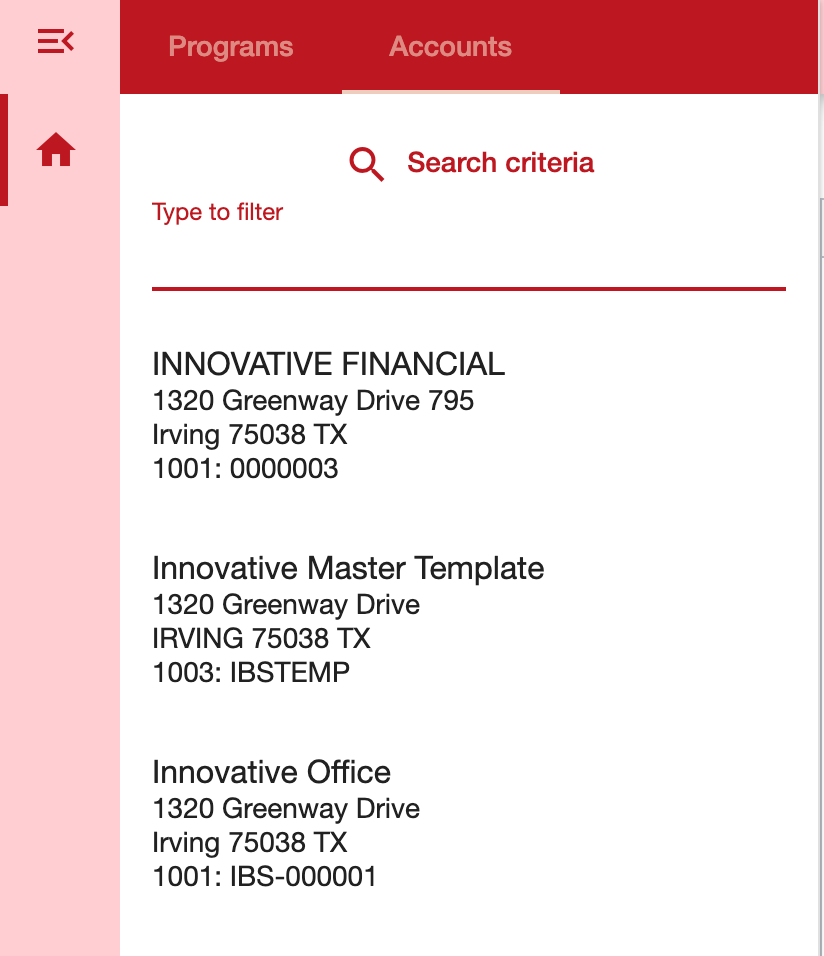
If there is only one installation matching the criteria it is automatically picked. Otherwise, a list of installations is shown. A maximum of 200 installations are returned.
=== "Desktop"
 {:height=500px, width=300px}
=== "Mobile"
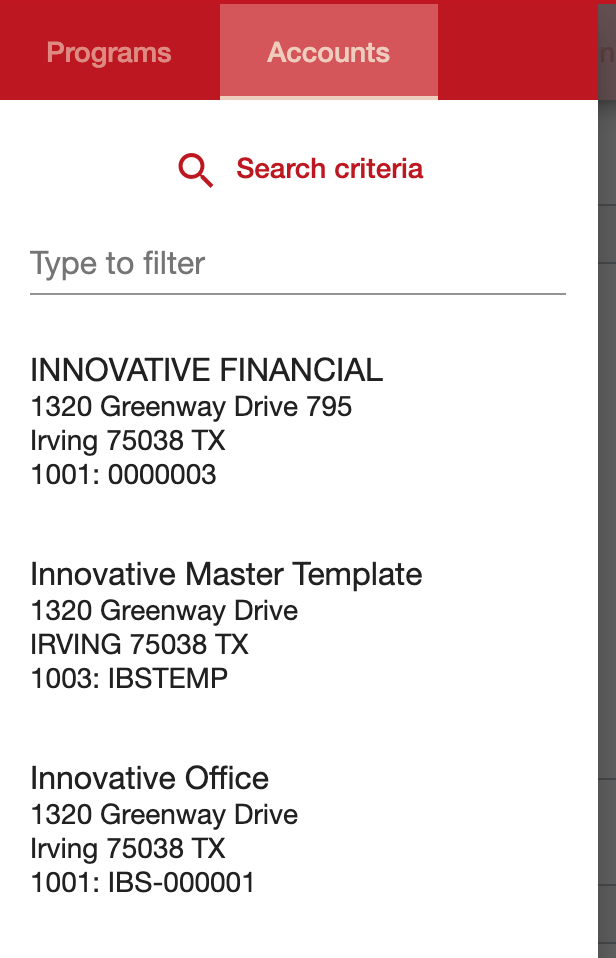 {:height=500px, width=300px}
The currently selected installation is highlighted. Cancelled installations are dimmed.
Filtering
Search results can be filtered and search criteria can be modified
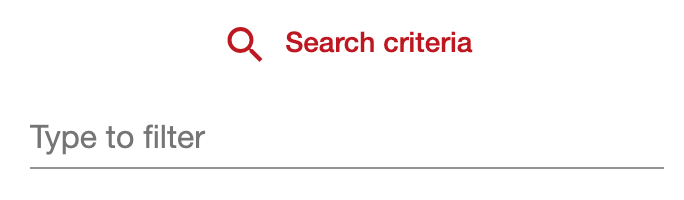 {:height=50px, width=300px}
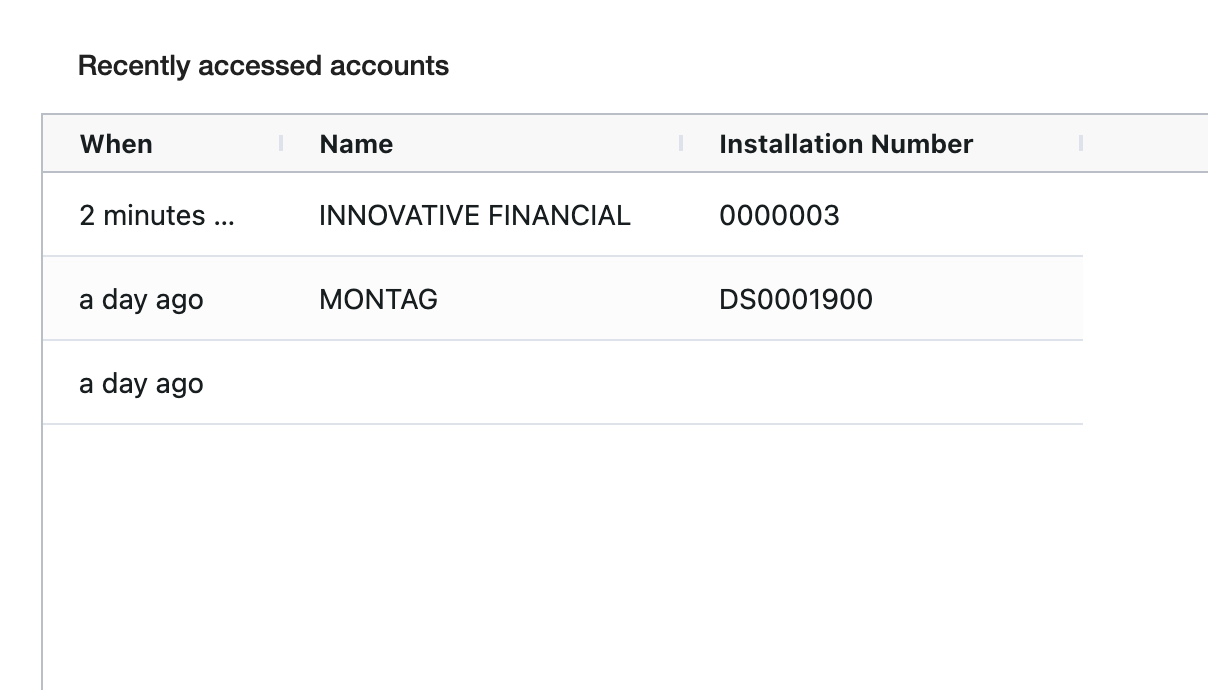
Recently accessed accounts
It is possible to see the recently accessed accounts from the Account Menu, on the Overview or pressing ctrl+a.