
alarmlog
alarmlog
The alarm log
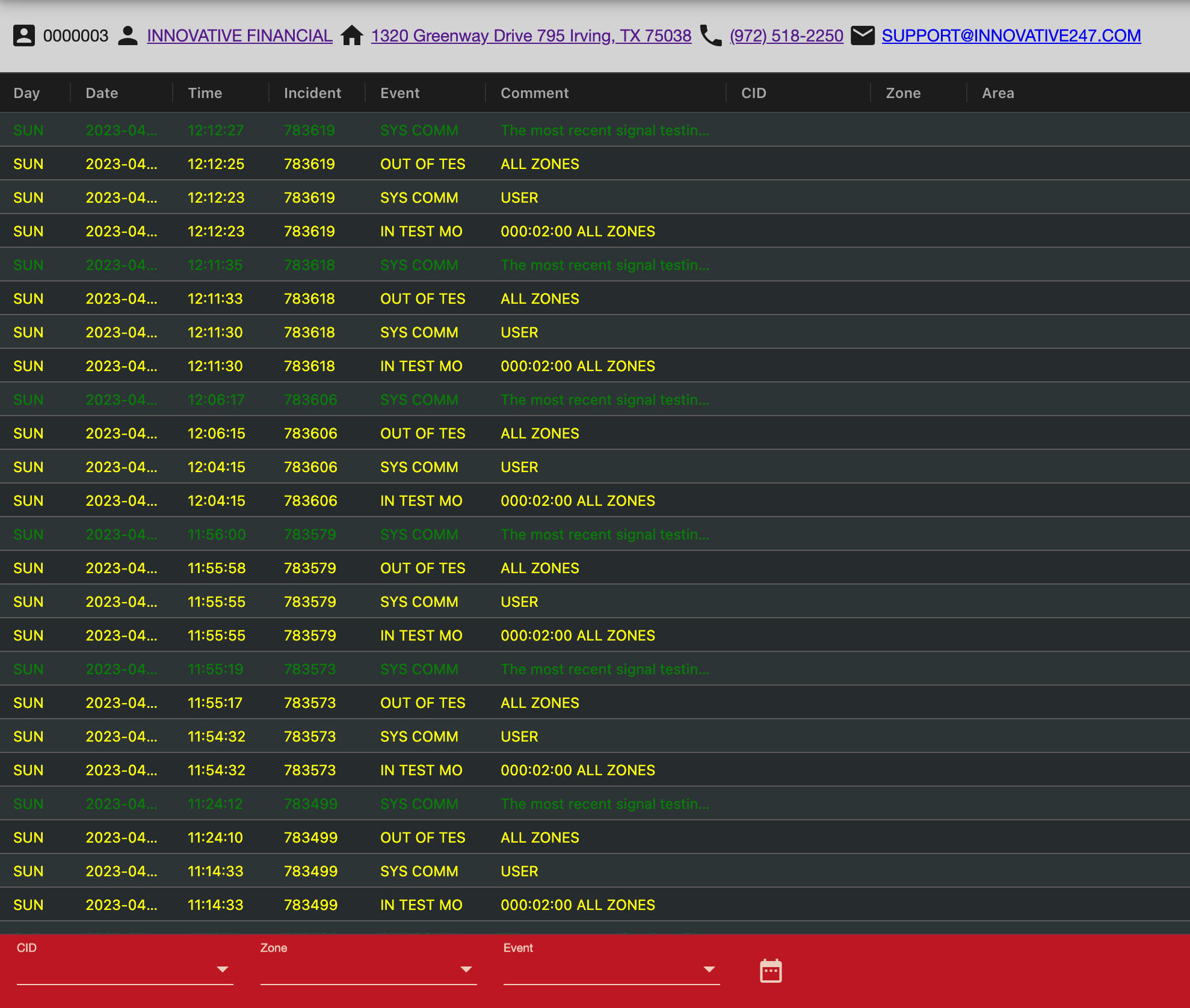
You can access the signal history of an account through the alarm log. It is possible to filter the alarmlog by:
- CID (Panel ID)
- Zone
- Event Type
- Date Range
=== "Desktop"
=== "Mobile"
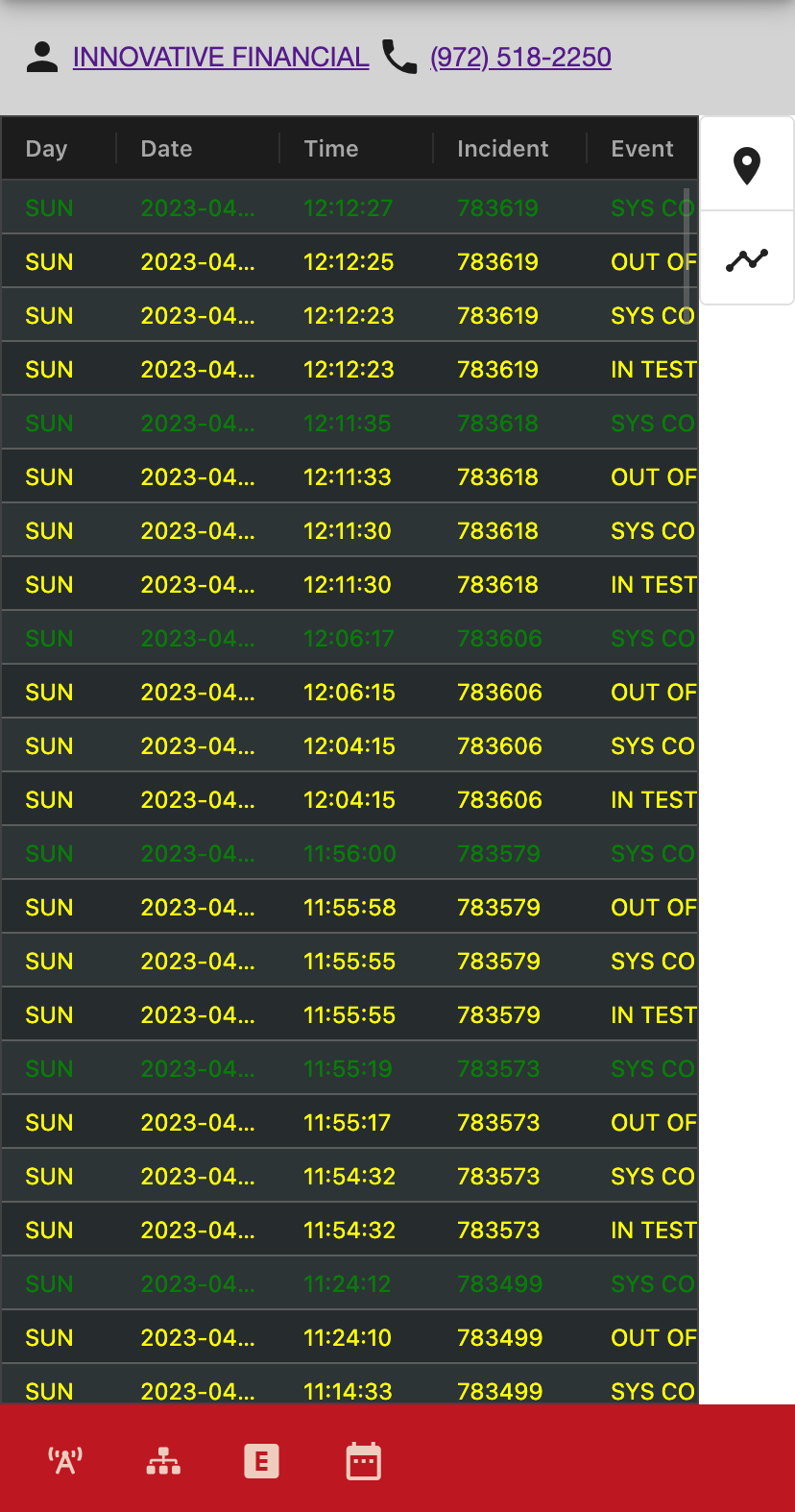
Colors in the alarm log represent different signal types and priorities. For example yellow entries are those that occurred when an account was in test.
Was this helpful?