
index
index
Overview
The installation is the site where monitoring is being performed. This is typically a geographical location, but could also be a person, vehicle, or other entity.
From the installation it is possible to:
- Test the zones
- Run reports
- Get directions
- View the installation on a map
Active installation
When an installation is selected, the active installation is shown at the top in the summary bar.
=== "Desktop"

=== "Mobile"
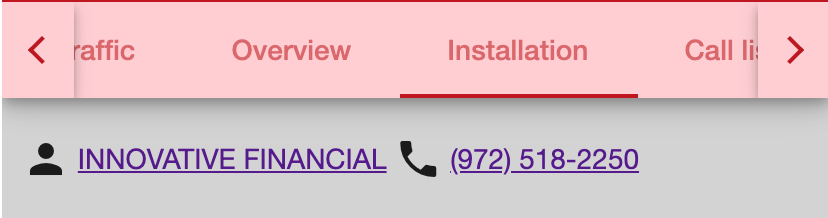
The areas in the summary bar are actionable. For example, you can press the address top to get directions to the site or press the phone number to make a call.
Basic account information
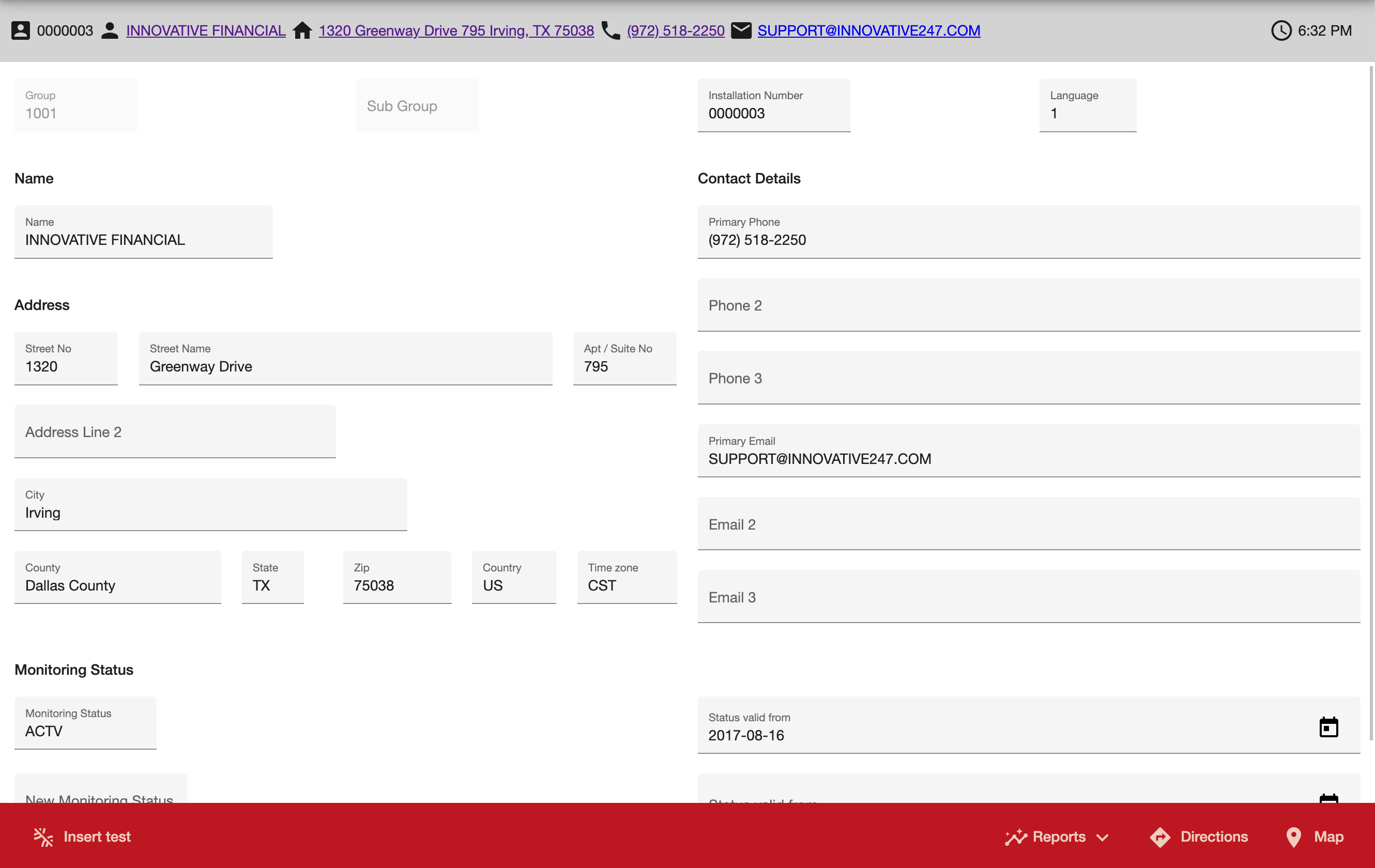
Basic account information is available, and if permission is given, editable.
=== "Desktop"
=== "Mobile"
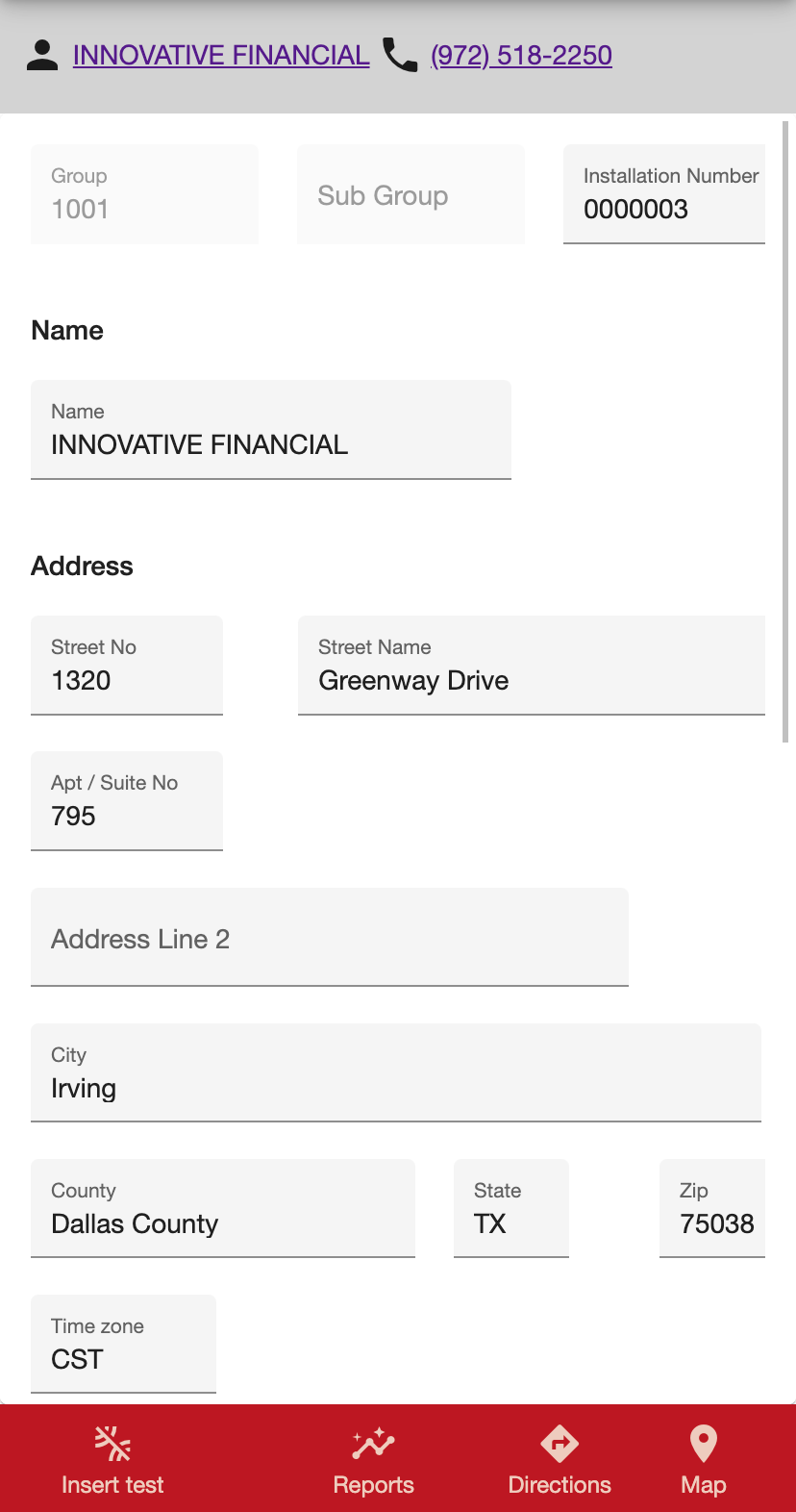
| Field | Description | | ------------------------------- | -------------------------------------------------------------------------------------------------------------------------------------------------------------------------- | | Group | The central station that this installation is being monitored by | | Sub Group | The dealer account that owns this installation | | Installation Number | The unique installation number for location being monitored | | Language | The language to use when communicating with the installation. This is used for example when reports are sent out, or when a central station monitors in multiple languages | | location | | Name | | Name | Name of the installation. This may be the owner in the case of a residential customer or the business name for a commercial customer | | Address | | Street No | Street number of the installation | | Street | Street name of the installation | | Address Line 2 | Second line of the address | | City | City of the installation | | County | County of the installation | | State | State of the installation | | Zip | ZIP code of the installation | | Country | Country of the installation | | Contact Details | | Primary Phone, Phone 2, Phone 3 | Phone numbers associated with the installation | | Primary Email, Email 2, Email 3 | Email addresses associated with the installation | | Monitoring Status | | Monitoring status | Current monitoring status | | Status Valid from | When the current monitoring status is valid from | | New Monitoring Status | Future monitoring status - for example when an installation is not yet being monitored and is due to be monitored in the future | | Status valid from | When the future monitoring status is valid from |
Getting directions
It is possible to get directions to the installation. This will open the default map service on the device with the address of the installation.
Viewing the installation map
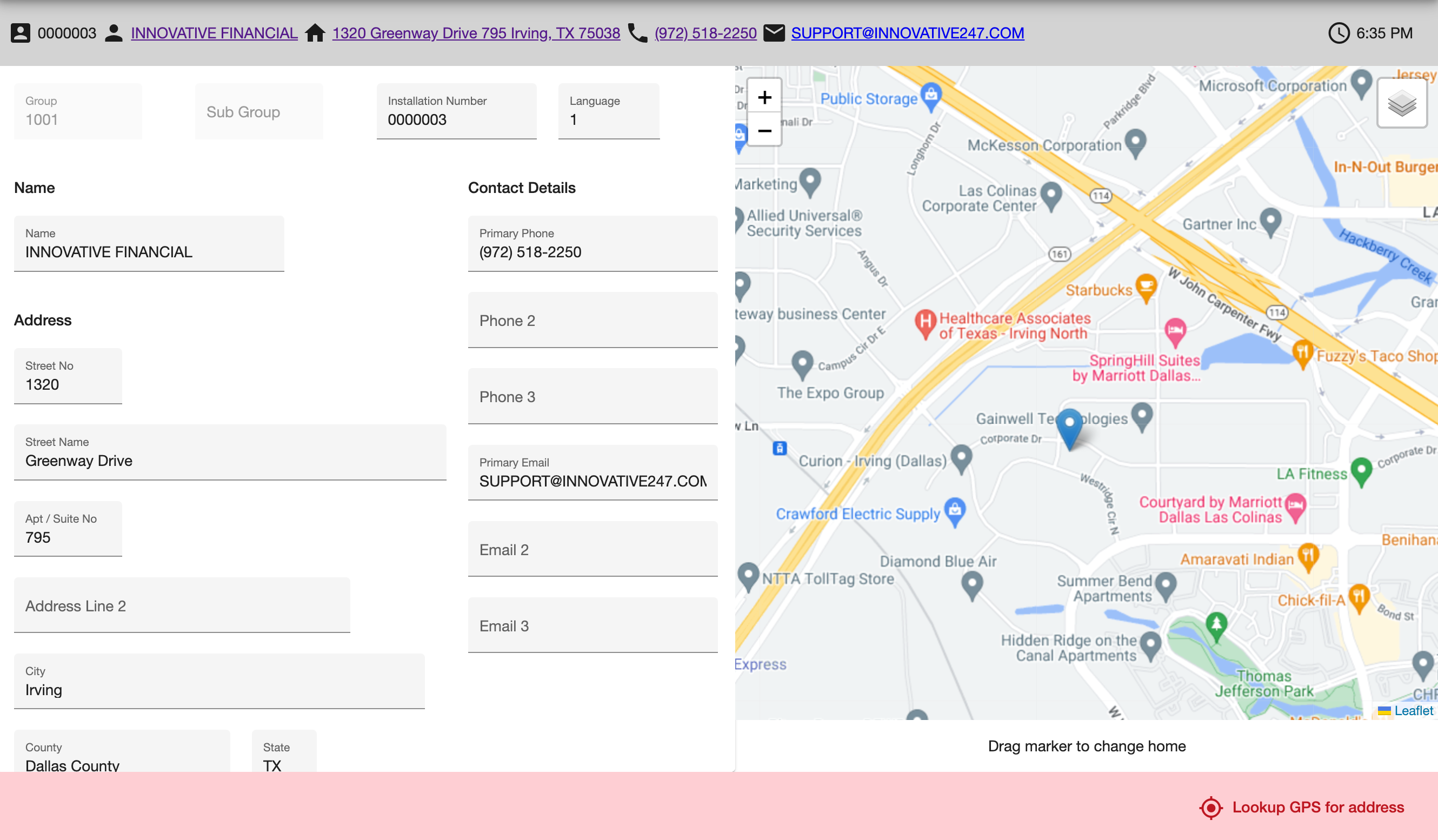
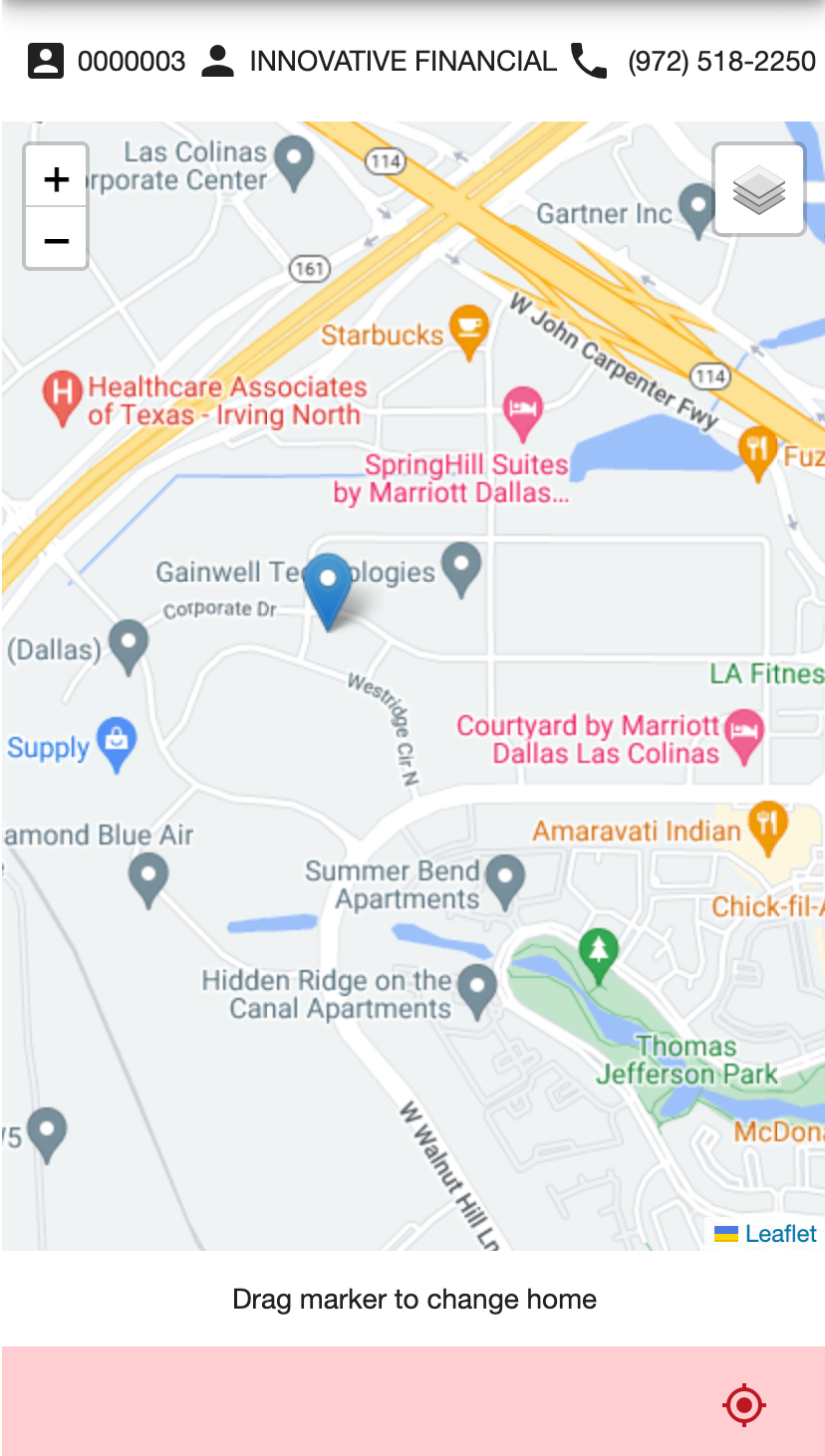
The installation map shows exactly where the monitored location is. For a moving device, such as a personal safety app, this is the home location.
If you have the ability edit the installation, the home marker can be dragged to the relevant location.
If no map is shown, no location has been set. You can lookup the geolocation for an installation using the address.
=== "Desktop"
=== "Mobile"
Permissions
| Description | ActionId | | --------------------------------------- | -------- | | Viewing an installation | 559:0 | | Viewing installation codewords | 559:917 | | Editing an installation | 559:2 | | Adding a new installation | 559:3 | | Placing an installation into test | 559:204 | | Removing an installation from test | 559:205 | | Showing test results on a graph | 559:216 | | Launching directions in an external map | 559:14 | | Viewing an installation map | 559:51 | | Run reports | 1558:1 |